Hacking 10$ Nexus Phone Into a Hacking Machine
Note
Apr 17, 2026
· ~3 min read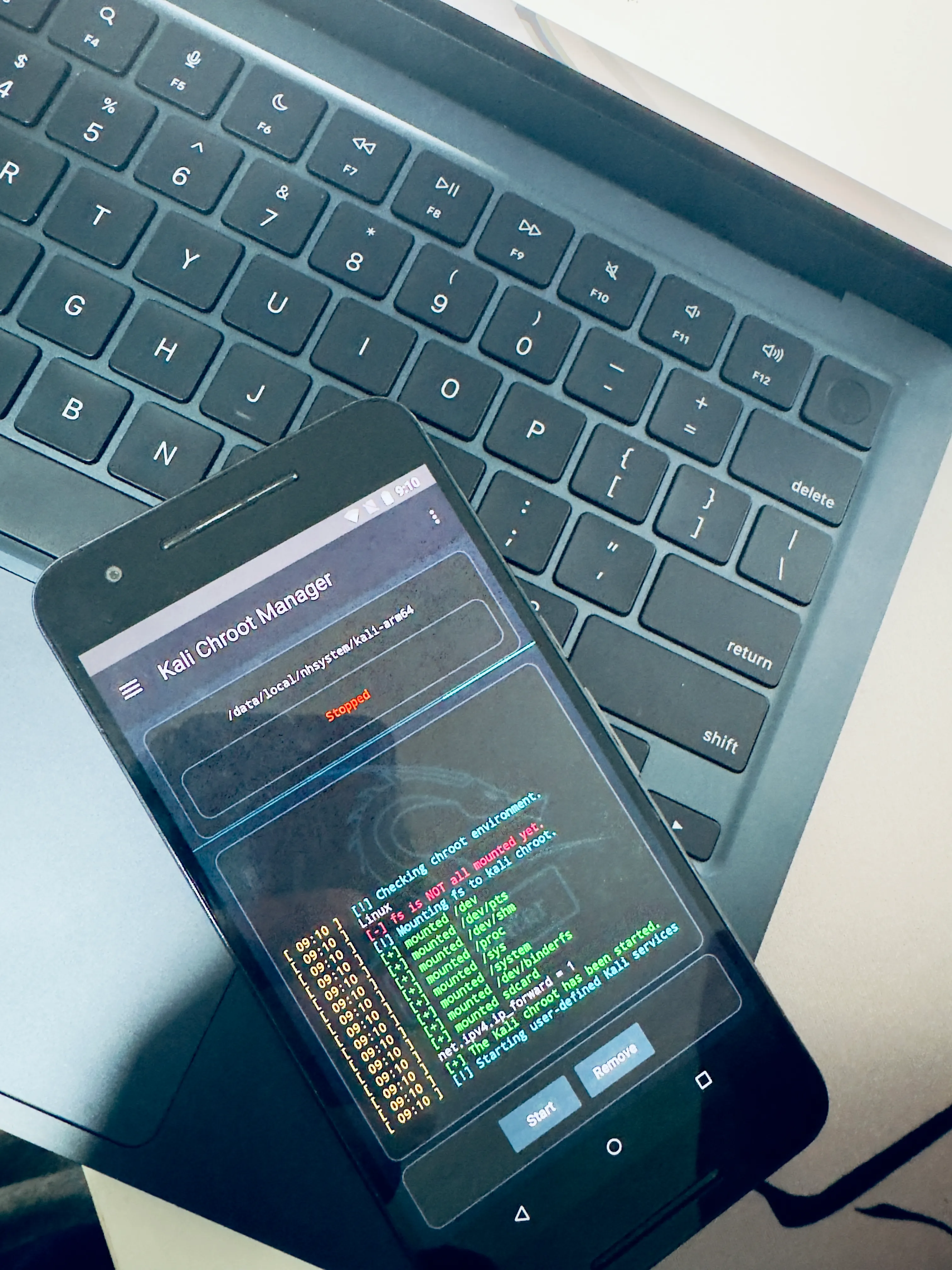
I saw Nexus 6P on Facebook Marketplace for $10. Owner forgot the PIN, just wanted it gone.
I already know Kali NetHunter support this phone officially. So I bought immediately without a second thought.
Literaly drove 25 miles after college to pick it up. First I spent a couple hours researching how to get in without the PIN. Wanted to do it properly and then i found CVE-2016-8467. Tried it. It worked. Here’s the full story on how come.
The Phone
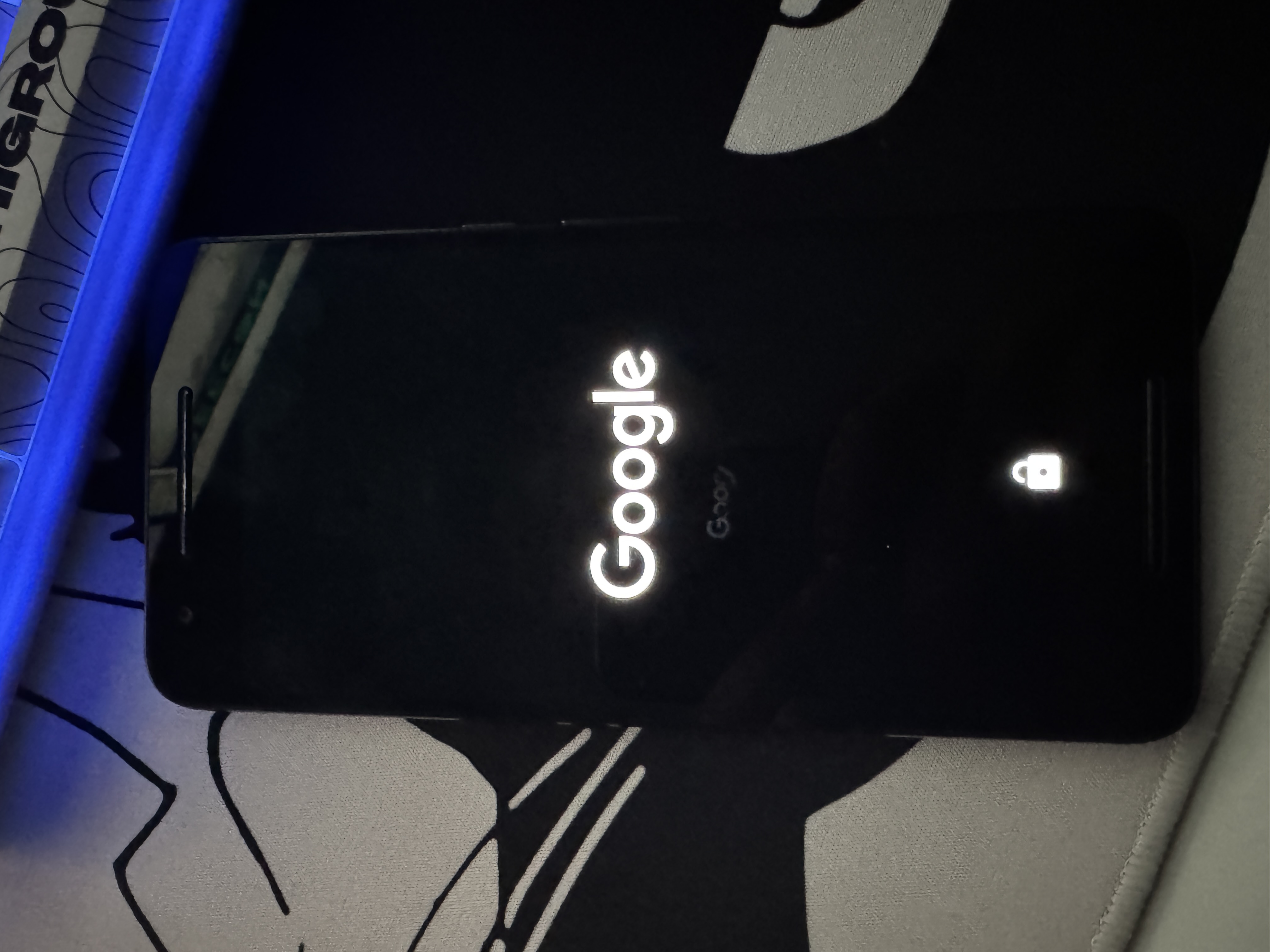
Nexus 6P : Inside name angler. Made by Huawei, Google flagship from 2015.
$ fastboot getvar version-bootloader
version-bootloader: 03.61
Bootloader 03.61. This one is weak. Safe version is 03.64 and above. When I see this number I actually pump my fist lol.
CVE-2016-8467
It’s a High risk cve and was already fixed in January 2017, but the phone wasn’t even updated since then. A big plus point for me ;P So, to summarize this,
| CVE | CVE-2016-8467 |
|---|---|
| Type | Boot mode bypass |
| Risk | High |
| Affected | Nexus 6P bootloader < 03.64 |
| Need | Physical access only, no PIN |
So basically: this phone has hidden boot modes that Huawei put inside for factory testing. One of them called bp-tools. When you turn it on, phone open ADB connection even if you already disable developer mode, because the system enable it from boot level, not from the settings toggle.
The bug is Huawei forget to block this option when phone is locked. Anyone can just select it. No password, nothing.
Why PIN not important here
  PIN / Lock Screen  →  protect Android only
  CVE-2016-8467      →  go in before Android even start

  We didn't pick the lock. We went through the basement.
The Exploit
Need: phone, USB cable, laptop with
fastboot. That’s all.
Hold Volume Down + Power to enter fastboot mode. On weak phone you see this menu:
  START
  RESTART BOOTLOADER
  RECOVERY MODE
  POWER OFF
  BP-TOOLS          ← this one
  FACTORY
Press volume to go down to BP-Tools. Press Power.
That’s it. One button. No command, no tool, no password. I’m serious.
Phone save this setting inside, so every reboot also still have it. Lock screen look totally normal. Owner don’t know anything.
$ fastboot devices
84B5T15B08000140    fastboot
Full access on a locked phone. Can flash anything.
Unlock and Flash
$ fastboot oem unlock
(bootloader) Bootloader unlocked.
OKAY
Then flash TWRP recovery:
$ fastboot boot twrp-3.7.0-angler.img   # test before flash
$ fastboot flash recovery twrp-3.7.0-angler.img
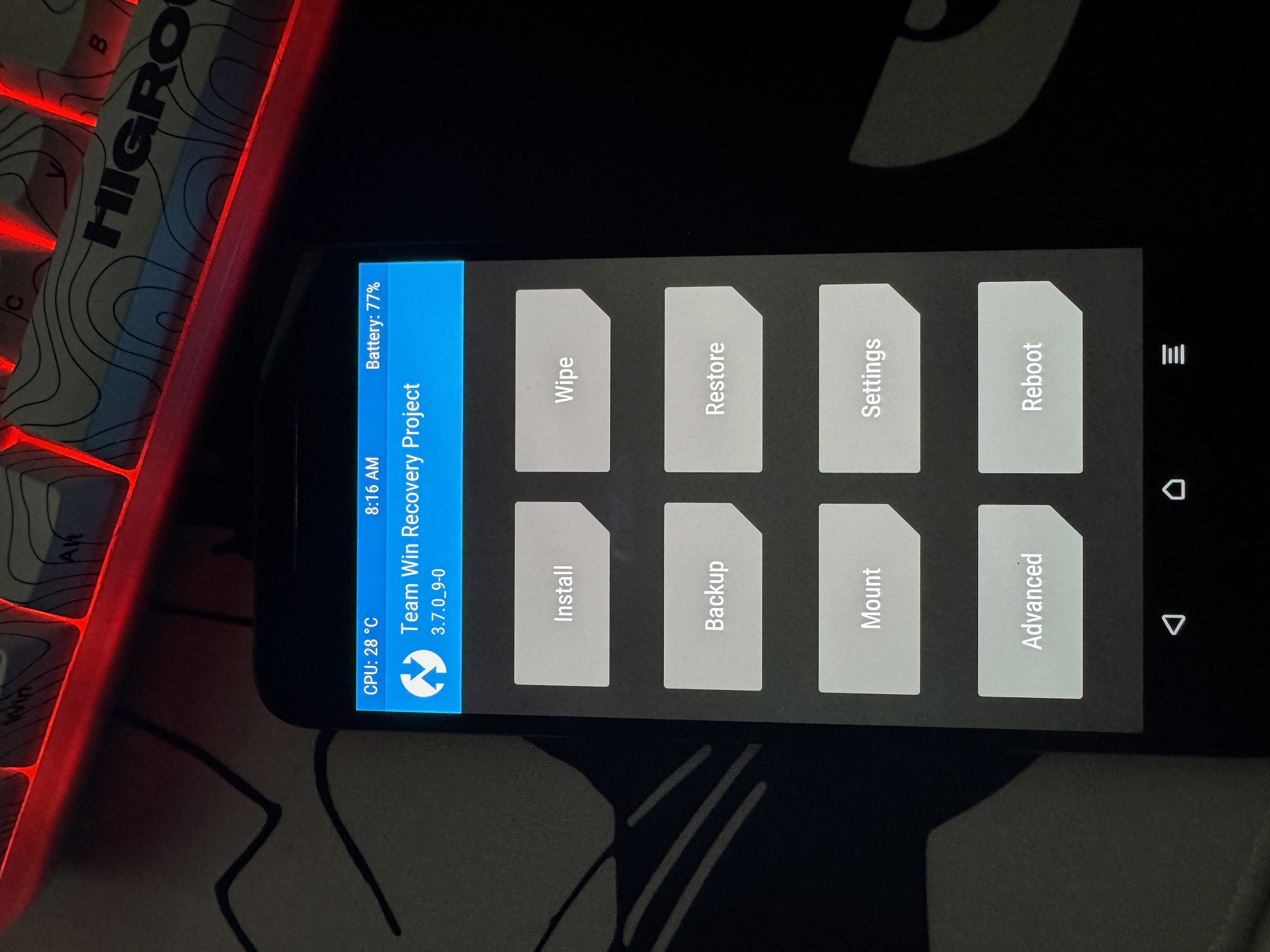
Here I made mistake ,i flashed custom ROM but forget to wipe cache. Phone go bootloop straight away. Had to reflash stock and start again. So painful.
Always wipe Dalvik and cache before flash new ROM.
Wipe → Advanced Wipe: ☑ Dalvik ☑ System ☑ Cache ☑ Data

$ adb shell
angler:/ $ chroot /data/local/nhsystem/kali-arm64 /bin/bash
┌──(root㉿kali)-[/]
└─# whoami
root
Full Kali Linux. On a phone. For $10. Cannot believe.
What It Can Do
WiFi monitor mode work on built-in WiFi, can run full aircrack-ng, no need extra hardware. Can also do USB attack where target computer think phone is a keyboard, i always wanted to try this and it did work, i might write an another blog for the same if i get a chance from these college assignments..
I guess that’s it for this. See ya :/
Aditional resources
- CVE-2016-8467 original research — alephsecurity.com/2017/01/05/attacking-android-custom-bootmodes
- Bypassing Nexus 6 Secure Boot.. - Bypassing Nexus 6 Secure Boot through…
- IBM X-Force full paper — docdroid.net/dxKUj5c/attacking-nexus-6-6p-custom-bootmodes.pdf
- January 2017 Android Security Bulletin — source.android.com/security/bulletin/2017-01-01
- NetHunter downloads — kali.org/get-kali/#kali-mobile
- TWRP for angler — twrp.me/huawei/huaweinexus6p.html